


Check Smart / Easy Flash 3U Restore Logs
Check Smart / Easy Flash 3U Restore Logs is an online tool developed to analyze restoration logs generated by Easy Flash (3uToxls) on iPhxnes. It identifies patterns, common issues, and highlights important information about the restore process, baseband, NFC, Pay, NAND, and other technical points. The goal is to make it easier and faster to diagnose failures and assist technicians during or after the restoration process.
How to use this tool?
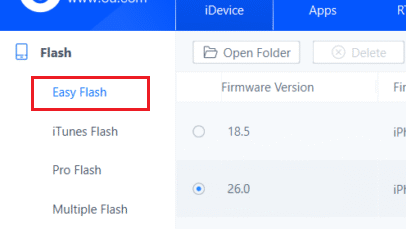
How to use this tool?
- Perform the iPhxne restore process using Easy Flash (3uToxls) software.
- At the end of the process, save or copy the log generated by the program.
- Go to PanicFull.com and access the area for Check Smart / Easy Flash 3U Restore Logs.
- Paste the log content into the indicated area or upload the log file (
.txt,.logor.dat). - Click “Analyze”.
- Wait a few seconds and review the detailed result, including possible errors and component status..
Easy Flash (3uToxls)

- PanicFull.com


